
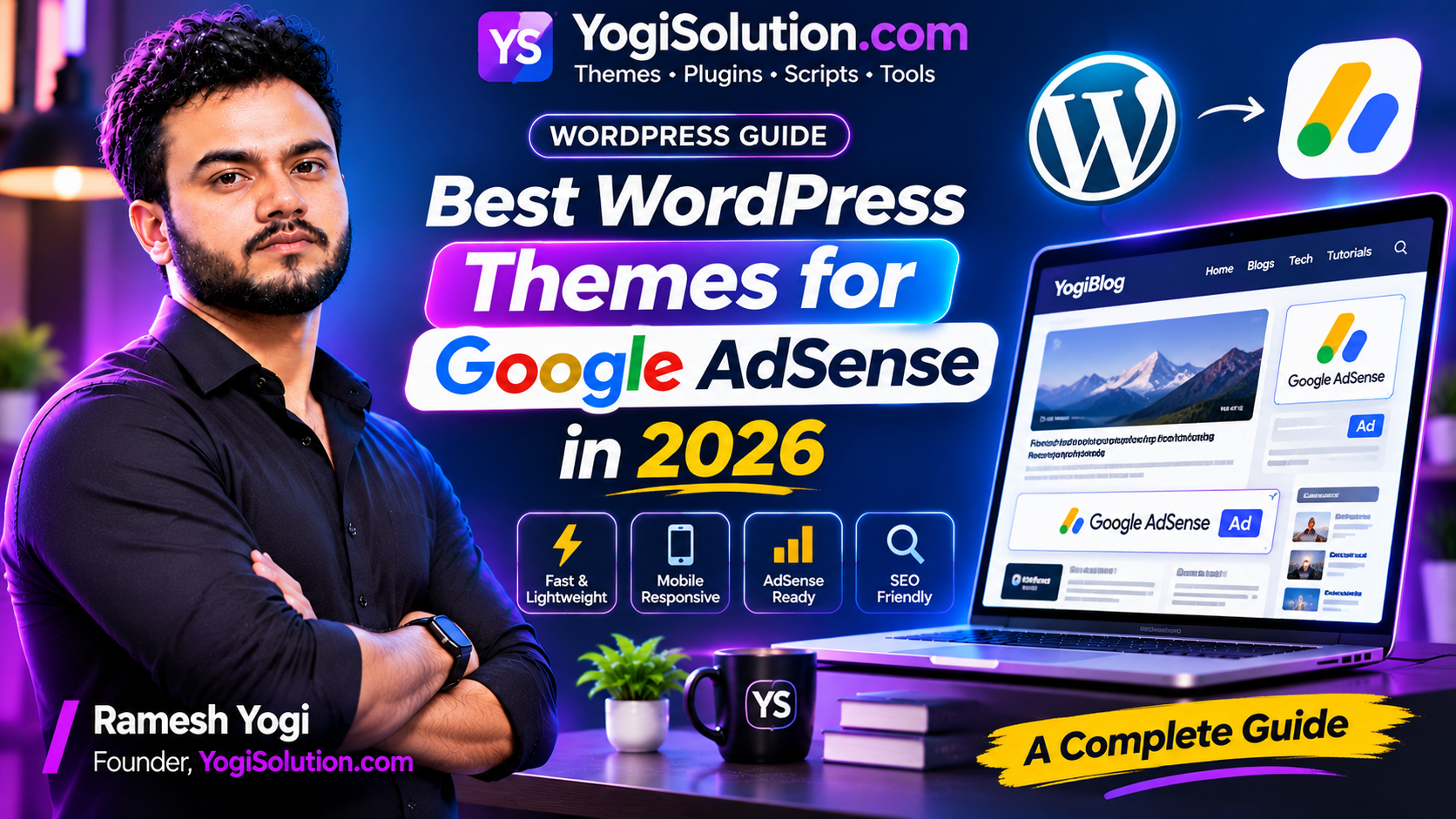
Choosing the right WordPress theme is an important step when building a website that you want to monetize with Google AdSense. A theme affects how your content appears, how visitors navigate your website, how quickly pages load, and where advertisements can be displayed.
However, a beautiful design alone is not enough. A successful AdSense website needs a combination of fast performance, mobile responsiveness, readable content, clean navigation, and a good user experience.
In this guide, we will explain what to look for when choosing the best WordPress theme for Google AdSense in 2026 and how to prepare your website for long-term growth.
1. Why Does Your WordPress Theme Matter for AdSense?
Your WordPress theme controls the visual structure of your website. It determines how your header, navigation menu, blog posts, sidebars, widgets, and footer are displayed.
For an AdSense-focused website, these elements matter because visitors should be able to read your content without unnecessary distractions.
A poorly designed theme may create problems such as:
- Slow page loading.
- Difficult navigation on mobile devices.
- Unreadable text and crowded layouts.
- Advertisement placements that interrupt content.
- Layout shifts when ads load.
- Unnecessary scripts and design elements.
A lightweight and well-structured theme can make your website easier to use and manage. It cannot guarantee AdSense approval or higher earnings, but it can help create a better foundation for monetization.
2. Choose a Lightweight and Fast WordPress Theme
Website speed is one of the first things to consider when selecting a theme.
Visitors may leave if a website takes too long to load, especially when browsing on mobile networks. A theme that loads unnecessary scripts, animations, and large design assets can affect performance.
Look for a theme that offers:
- Clean and optimized code.
- Minimal unnecessary JavaScript.
- Efficient CSS files.
- Lightweight page templates.
- Support for image optimization.
- Compatibility with caching solutions.
Avoid themes that include too many features you will never use. Every additional feature can introduce more scripts, styles, or configuration requirements.
After installing a theme, test important pages using Google PageSpeed Insights and review real-user performance data in Google Search Console.
3. Make Sure the Theme Is Fully Responsive
A large portion of website visitors use smartphones. Your website should work properly on mobile devices, tablets, laptops, and desktop screens.
A responsive WordPress theme automatically adjusts its layout according to the visitor’s screen size.
Before choosing a theme, check:
- Does the navigation menu work on small screens?
- Is the article text easy to read?
- Do images fit the available screen width?
- Are buttons large enough to tap?
- Does the sidebar move below the article when necessary?
- Do advertisements fit without causing horizontal scrolling?
Do not evaluate a theme only on a desktop preview. Open its demo on an actual mobile device or use browser responsive testing tools.
4. Look for Clean and Readable Blog Layouts
Your main objective should be to make content easy to read.
A good blog layout usually includes:
- A clear website header.
- Simple navigation.
- A visible article title.
- Author name and publication date.
- A featured image.
- Proper heading hierarchy.
- Comfortable paragraph spacing.
- Related articles.
- A useful footer.
For long-form articles, use a readable font size and sufficient line spacing. Avoid narrow text columns and excessive decorative elements.
You can also add a table of contents to longer guides. This helps visitors find specific sections without scrolling through the entire article.
5. Check Advertisement Placement Options
Advertisement placement is an important consideration for an AdSense website.
A flexible theme should allow you to manage advertisement areas without editing multiple template files.
Useful placement options include:
- Below the article title.
- After the introduction.
- Between suitable content sections.
- Within the sidebar on desktop.
- Near the end of the article.
The exact placements should depend on your content layout and the ad formats you use.
Do not place advertisements where visitors may accidentally click them. Avoid making ads look like navigation buttons, download links, or other website controls.
Also, do not fill every available space with advertisements. Too many ads can make the website frustrating to use and interfere with the main content.
6. Check Core Web Vitals Compatibility
Core Web Vitals help measure important aspects of the real-world user experience.
Google identifies three main Core Web Vitals metrics:
| Metric | What It Measures | Good Target |
|---|---|---|
| LCP | Loading performance | 2.5 seconds or less |
| INP | Interaction responsiveness | Less than 200 ms |
| CLS | Visual stability | Less than 0.1 |
A theme should be designed to support good performance, but installing a fast theme does not automatically guarantee good Core Web Vitals.
Your hosting, plugins, images, fonts, advertisements, and third-party scripts can all affect the results.
For example, reserving sufficient space for advertisement containers can help prevent content from jumping when ads load.
Measure your website after installing the theme and continue testing it as you add plugins and advertisements.
7. Choose a Theme That Supports SEO Best Practices
A WordPress theme should provide a logical HTML structure and allow search engines to understand your content.
Look for:
- Proper H1, H2, and H3 heading structure.
- Semantic HTML elements.
- Responsive page templates.
- Descriptive image alt attributes.
- Breadcrumb support where appropriate.
- Compatibility with popular SEO plugins.
- Clean internal navigation.
Your SEO plugin can manage important metadata such as SEO titles, meta descriptions, canonical URLs, and social sharing information.
Remember that a theme does not automatically make an article rank on Google. Useful content, search intent, internal links, technical quality, and website reputation also matter.
8. Check Plugin Compatibility and Customization Options
A good WordPress theme should work with the plugins you actually need.
For an AdSense-focused blog, you may use plugins for:
- SEO management.
- Caching and performance.
- Image optimization.
- Security.
- Backups.
- Contact forms.
- Analytics integration.
Avoid installing multiple plugins that perform the same function.
You should also check whether the theme allows you to customize:
- Logo and favicon.
- Brand colors.
- Fonts and typography.
- Header and footer.
- Blog layouts.
- Sidebar visibility.
- Advertisement areas.
- Homepage sections.
A theme with useful customization options can save development time as your website grows.
9. Free vs Premium WordPress Themes: Which Should You Choose?
Both free and premium WordPress themes can work for an AdSense website.
| Feature | Free Theme | Premium Theme |
|---|---|---|
| Initial cost | Usually free | Paid |
| Basic blog layout | Often available | Usually available |
| Advanced customization | Depends on theme | May offer more options |
| Support | Varies | Often includes support |
| Updates | Depends on developer | Depends on developer |
| AdSense compatibility | Depends on design | Depends on design |
A premium theme is not automatically faster or better for SEO. Always evaluate the actual theme rather than making a decision based only on its price.
For a new blog, a well-maintained free theme may be enough. Consider a premium theme when you need specific layouts, customization features, or developer support.
10. How to Test a WordPress Theme Before Using It
Before choosing a theme for your main website, follow this simple testing process.
Step 1: Install the theme
Create a staging website or test installation and activate the theme.
Step 2: Add sample content
Publish a few sample articles with different heading structures, images, tables, and embedded content.
Step 3: Test mobile responsiveness
Check the homepage, category pages, individual articles, menus, and footer on mobile devices.
Step 4: Test website performance
Use Google PageSpeed Insights to evaluate loading performance and identify possible issues.
Step 5: Check advertisement areas
Test your intended ad placements and verify that advertisements do not overlap content or interfere with navigation.
Step 6: Review plugin compatibility
Install the essential plugins you plan to use and check for layout or functionality problems.
Step 7: Check updates and support
Choose a theme with a reliable update history, clear documentation, and a way to report issues.
11. Common Mistakes to Avoid
Many website owners focus only on appearance when selecting a WordPress theme. This can lead to problems later.
Avoid these mistakes:
- Choosing a theme only because its demo looks attractive.
- Installing themes with unnecessary animations and features.
- Ignoring mobile responsiveness.
- Using too many plugins.
- Placing advertisements too close to navigation or download buttons.
- Ignoring website speed after installing the theme.
- Using outdated themes without regular maintenance.
- Publishing low-value articles just to increase the number of posts.
Your theme should support your website’s purpose, not make it harder for visitors to use.
12. Final Checklist: What Makes a Good AdSense-Friendly Theme?
Before selecting a theme, use this checklist:
- Lightweight and performance-conscious code.
- Fully responsive design.
- Clean article and category layouts.
- Readable typography.
- Flexible advertisement placement.
- Good visual stability.
- SEO plugin compatibility.
- Secure and regularly maintained.
- Customizable header and footer.
- No intrusive popups or confusing layouts.
Frequently Asked Questions
1. Which WordPress theme is best for Google AdSense?
There is no single theme that is best for every website. Choose a lightweight, responsive, regularly maintained theme with readable article layouts and flexible advertisement placement.
2. Does Google AdSense require a specific WordPress theme?
No. You do not need a particular WordPress theme to apply for AdSense. Your website should comply with Google’s policies and provide useful content and a good visitor experience.
3. Can I use a free WordPress theme with AdSense?
Yes. A free theme can be suitable if it is maintained, responsive, performs well, and supports a clean content layout.
4. Does website speed affect AdSense earnings?
Website speed can influence visitor experience and engagement. However, faster loading does not guarantee higher AdSense earnings. Revenue also depends on factors such as traffic, audience, content, ad demand, and advertiser competition.
5. Where should I place AdSense ads on my website?
Use placements that fit naturally into your content layout and comply with AdSense policies. Keep ads clearly distinguishable from navigation, download links, and other website controls.
6. Will installing an AdSense-friendly theme guarantee approval?
No. A theme alone cannot guarantee approval. Google reviews the website and its compliance with applicable program policies.
Conclusion
Choosing the best WordPress theme for Google AdSense in 2026 is about more than finding an attractive design. You should prioritize website speed, mobile responsiveness, readable content, flexible layouts, and a positive visitor experience.
Start with a clean and lightweight theme, test it carefully, and add only the features your website needs. As your website grows, continue monitoring performance and improving your content structure.
A well-designed website creates a better foundation for publishing useful content and building a sustainable online business.