
Content discovery is one of the most important aspects of running a successful WordPress website. Publishing high-quality articles is not enough if visitors read only one page and leave your website. Website owners need an effective way to guide readers towards other relevant articles, improve internal content discovery and create a better browsing experience.
This is where YS Inline Related Posts comes in.
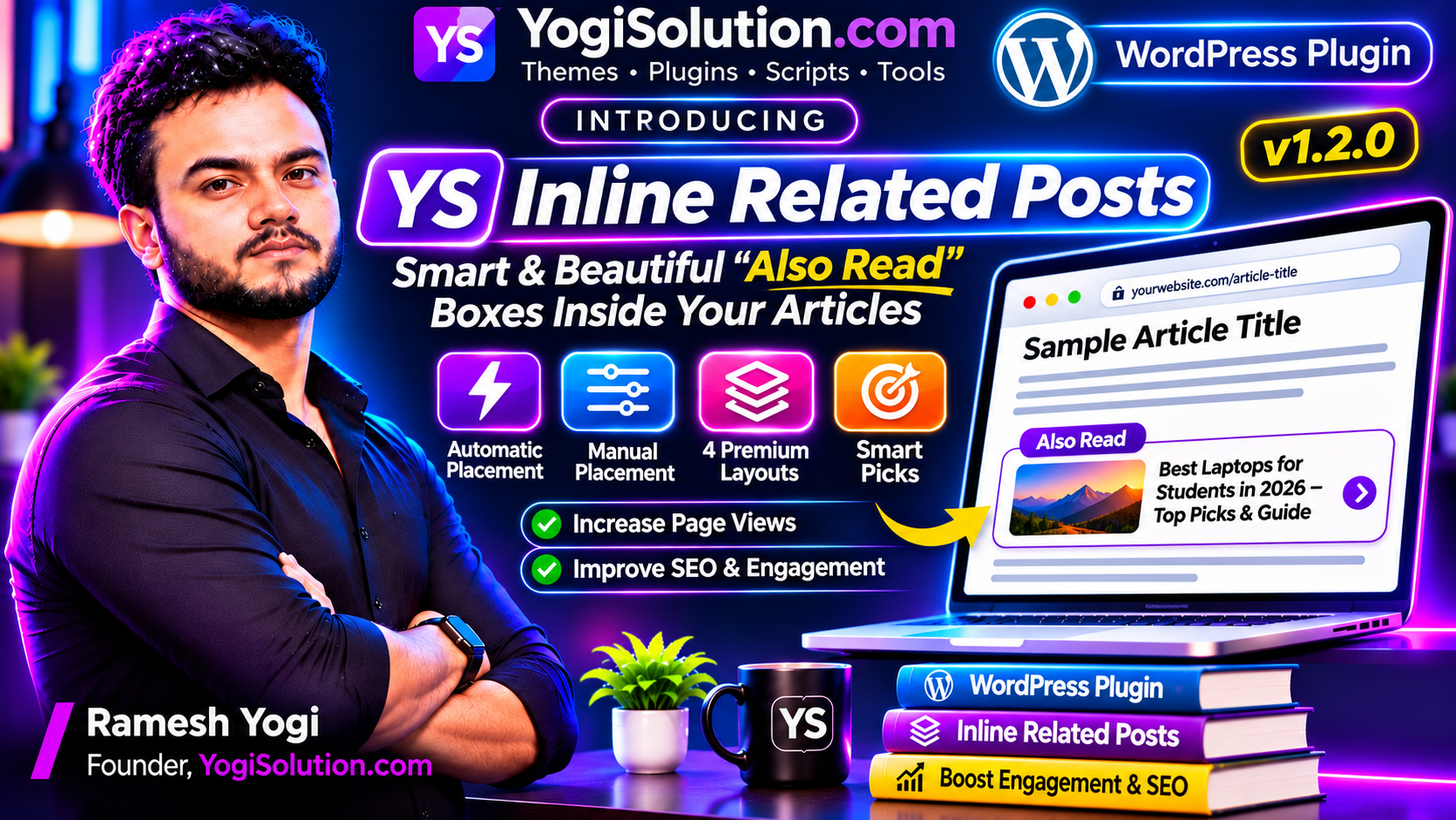
Developed by YogiSolution, YS Inline Related Posts is a premium WordPress plugin designed to display attractive and intelligent related post recommendations directly inside your blog articles. Instead of showing recommendations only at the bottom of a post, the plugin automatically inserts relevant content between paragraphs, making it easier for visitors to discover more articles while reading.
With automatic placement, manual positioning, four premium layouts, category-based recommendations and visitor interest personalization, YS Inline Related Posts provides a flexible solution for modern WordPress websites.
What Is YS Inline Related Posts?
YS Inline Related Posts is a WordPress plugin that automatically displays related articles within your website content. It uses categories, shared tags and other content signals to identify relevant posts and present them through attractive recommendation boxes.
The plugin is designed for bloggers, publishers, news websites, educational portals, technology websites and other content-driven platforms.
For example, imagine a visitor reading an article about WordPress SEO. Instead of reaching the end of the article without discovering anything else, the visitor can see relevant recommendations about technical SEO, keyword research or website optimization directly between paragraphs.
This approach makes related content more visible and accessible without requiring visitors to search manually.
1. Automatic Related Posts Placement
One of the most useful features of YS Inline Related Posts is its automatic placement system.
Website administrators do not need to manually decide where every recommendation box should appear. Simply configure the number of related post boxes you want to display, and the plugin distributes them throughout the article based on its paragraph structure.
For example, if an article contains 20 paragraphs and you select four related post boxes, the plugin calculates approximately equal positions:
- First box after paragraph 4.
- Second box after paragraph 8.
- Third box after paragraph 12.
- Fourth box after paragraph 16.
The plugin also adjusts the number of boxes for shorter articles, helping avoid excessive recommendations in content that does not have enough paragraphs.
This feature is particularly useful for publishers managing hundreds or thousands of WordPress articles.
2. Manual Placement Control
Not every website owner wants automatic placement. Some publishers prefer complete control over the position of related content.
YS Inline Related Posts also includes a manual placement option.
Administrators can configure the paragraph after which the first recommendation should appear and specify the interval between subsequent boxes.
For example, you can display the first box after paragraph three and additional boxes after every five paragraphs.
This flexibility allows website owners to experiment with different content layouts and select a placement strategy that suits their publishing style.
3. Four Premium Display Layouts
The visual appearance of related post recommendations plays an important role in the overall reading experience.
YS Inline Related Posts includes four different display layouts to match different website designs.
Side Photo List
This layout displays a small featured image on one side and the article title alongside it.
It is suitable for websites that prefer compact recommendations without taking up excessive vertical space.
Cards Layout
The Cards Layout displays related articles in an attractive card-based format.
It is ideal for modern blogs and content websites that use visual elements to improve content discovery.
Mini Strip
The Mini Strip provides a compact recommendation format that fits naturally between paragraphs.
It is useful when website owners want to display related articles without making the content area look crowded.
Spotlight Layout
The Spotlight Layout gives more visual attention to selected related articles.
It is suitable for highlighting important content and encouraging visitors to explore specific articles.
Each layout offers a different presentation style, allowing website owners to select the one that best matches their website design.
4. Smart Category and Tag-Based Recommendations
Showing random articles does not always provide a useful experience.
YS Inline Related Posts focuses on content relevance by selecting articles using categories and shared tags.
The recommendation system considers several content signals:
- Posts from the same category.
- Articles with matching tags.
- Newer published content.
- Posts with featured images.
This helps display recommendations that are more closely connected to the article currently being read.
For example, when someone reads an article about WordPress hosting, the plugin can prioritize other hosting-related articles instead of showing unrelated content from different categories.
5. Visitor Interest Personalization
Different visitors may be interested in different topics, even when they visit the same website.
YS Inline Related Posts includes visitor interest personalization to make recommendations more relevant.
The plugin can prioritize categories that visitors frequently read. Reading preferences are stored locally in the visitor’s browser.
Previously viewed articles are moved towards the bottom of recommendations, helping visitors discover content they have not already explored.
This functionality works with page caching because visitor preferences are maintained in the browser rather than requiring a separate personalized server-generated page for every visitor.
6. Light, Dark and Automatic Display Modes
A consistent visual experience is important for modern websites.
YS Inline Related Posts includes three appearance options:
- Light Mode for traditional website designs.
- Dark Mode for websites using dark backgrounds.
- Auto Mode to follow the website’s own dark-mode appearance.
The automatic mode helps maintain visual consistency without requiring administrators to configure separate designs for different appearance preferences.
7. Advanced Design Customization
Every WordPress website has its own branding and design requirements.
The plugin provides customization options that allow administrators to adjust the appearance of related post boxes.
Available customization options include:
- Custom gradient colors.
- Adjustable corner roundness.
- Custom recommendation heading.
- Show or hide categories.
- Show or hide publication dates.
- Enable or disable excerpts.
- Open recommended articles in a new browser tab.
These options make it easier to integrate related post recommendations into different WordPress themes and website designs.
8. Advanced Content Exclusion Options
Some website owners may not want every article or category to display related post recommendations.
YS Inline Related Posts provides several content management controls.
Administrators can:
- Exclude selected posts.
- Exclude specific categories.
- Select supported post types.
- Limit recommendations based on post age.
- Hide related posts on individual articles using a per-post setting.
These controls provide greater flexibility when managing large websites with multiple content categories.
9. Shortcode Support
In addition to automatic and manual paragraph-based placement, the plugin supports shortcode-based insertion.
Website owners can use the following shortcode to display related posts at a specific location:
The shortcode supports options for the number of recommendations, layout and heading text.
This is particularly useful when you want to display related content inside custom content sections or other supported WordPress areas.
10. Lightweight and Performance-Focused Architecture
Website performance is an important consideration when installing additional WordPress plugins.
YS Inline Related Posts is designed to avoid unnecessary frontend resources.
Its performance-related features include:
- CSS and JavaScript loaded only on supported posts.
- Cached related post selections.
- Cache refresh when new content is published.
- Compatibility with page caching.
- No insertion inside quotations, lists or tables.
- No related post boxes in RSS feeds or AMP output.
The plugin is designed to provide useful functionality while keeping unnecessary frontend overhead low.
Actual website performance will also depend on hosting, theme configuration, caching and other installed plugins.
11. Live Preview and Easy Configuration
Configuring a plugin should not require advanced technical knowledge.
YS Inline Related Posts includes a settings interface with a live preview feature.
Website administrators can adjust display settings and preview their preferred design before applying the configuration.
This makes it easier to select suitable layouts, customize colors and configure related post placement.
Who Should Use YS Inline Related Posts?
YS Inline Related Posts is suitable for different types of content-driven WordPress websites.
Bloggers: Recommend additional articles and make older content easier to discover.
News Publishers: Display related news stories within articles and help readers explore more coverage.
Technology Websites: Connect tutorials, software guides, product reviews and technical articles.
Educational Websites: Recommend related lessons, exam guides and educational resources.
Business Websites: Help visitors discover relevant information, guides and company resources.
Content Publishers: Manage related post recommendations across large article libraries.
Plugin Information
| Specification | Details |
|---|---|
| Plugin Name | YS Inline Related Posts |
| Developer | YogiSolution |
| Version | 1.2.0 |
| Plugin Type | Premium WordPress Plugin |
| Minimum WordPress Version | 5.8 |
| Compatible up to | 7.1.4 |
| Minimum PHP Version | 7.4 |
| Platform | WordPress |
Frequently Asked Questions
Does YS Inline Related Posts support automatic placement?
Yes. Administrators can select the number of related post boxes, and the plugin automatically distributes them throughout the article based on paragraph structure.
Can I manually control where related posts appear?
Yes. The manual placement mode allows you to configure the first paragraph position and the interval between subsequent recommendation boxes.
How many display layouts are available?
The plugin includes four layouts: Side Photo List, Cards, Mini Strip and Spotlight.
Does the plugin recommend posts from the same category?
Yes. It uses category matching, shared tags and additional content signals to identify relevant articles.
Does it support dark mode?
Yes. You can select Light, Dark or Auto mode.
Can I exclude specific posts?
Yes. You can exclude individual posts and categories, configure supported post types and hide recommendations on selected articles.
Does it support shortcodes?
Yes. You can use the
shortcode to insert related post recommendations manually.
Conclusion
Internal content discovery is an important part of creating a useful and well-connected WordPress website.
YS Inline Related Posts brings together automatic paragraph-based placement, manual controls, four premium layouts, smart content recommendations and visitor interest personalization in one plugin.
Whether you manage a personal blog, technology website, educational portal or news publishing platform, the plugin gives you practical tools to make related content more visible and accessible.
If you want a flexible way to display related articles directly inside your WordPress posts, YS Inline Related Posts is worth exploring.
Discover YS Inline Related Posts by YogiSolution and give your website a smarter content recommendation experience.