

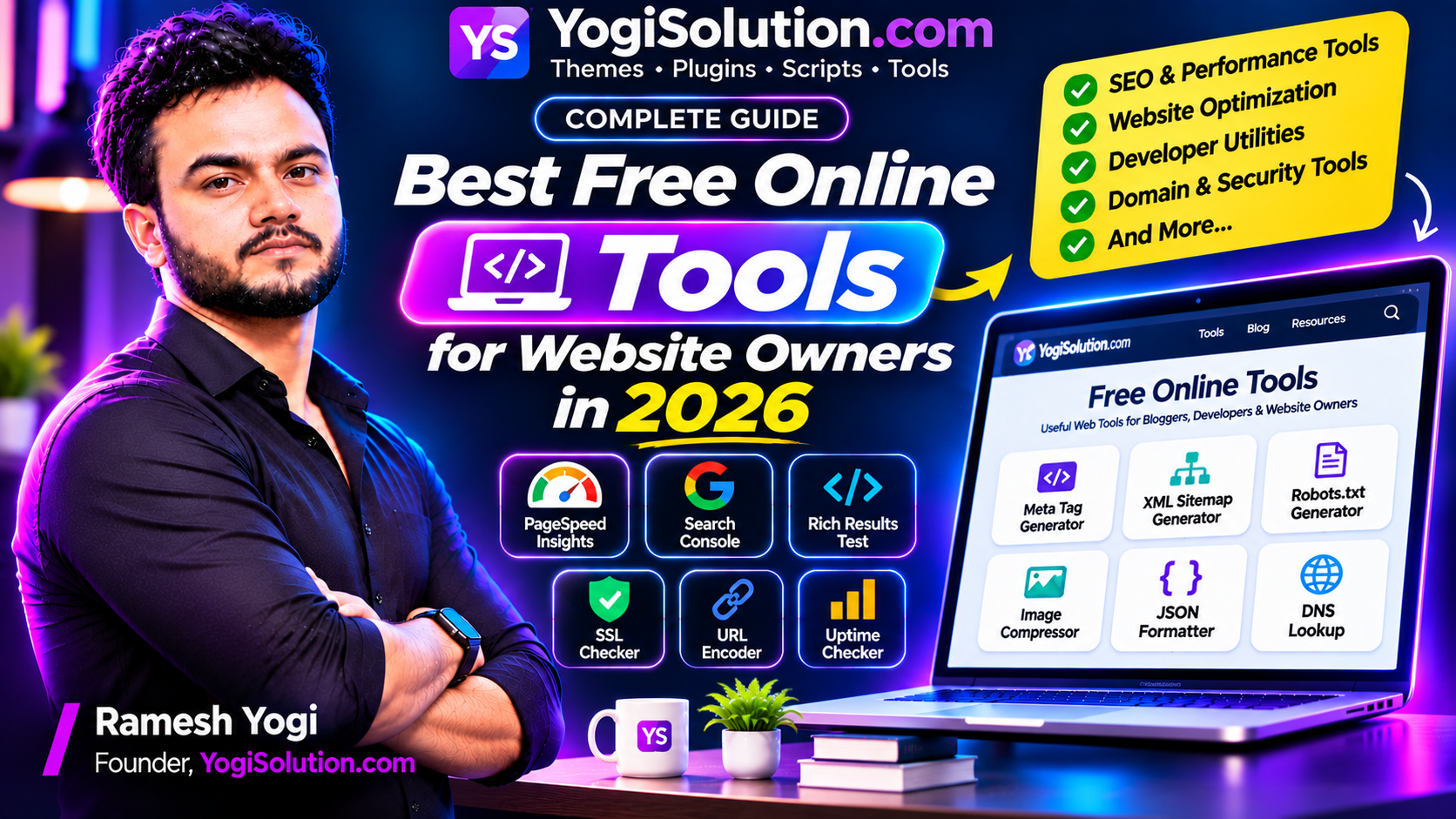
Running a website involves many tasks beyond publishing content. You need to monitor performance, improve SEO, optimize images, check technical issues, manage website files, and make sure visitors can access your pages without problems.
Fortunately, you do not need expensive software for every task. Many free online tools can help website owners, bloggers, developers, and digital marketers complete everyday work quickly.
In this guide, we will explore useful free online tools for website owners in 2026, explain what they do, and show when you should use them.
1. Google PageSpeed Insights – Test Website Speed
Website performance is an important part of the user experience. If your pages load slowly, visitors may find it difficult to read articles or use your website.
Google PageSpeed Insights helps analyze a webpage’s performance on mobile and desktop devices.
It provides information about:
- Loading performance.
- Interaction responsiveness.
- Visual stability.
- Performance improvement opportunities.
- Potential issues affecting page experience.
How to use it:
- Open Google PageSpeed Insights.
- Enter your website URL.
- Start the analysis.
- Review mobile and desktop results.
- Follow the suggested improvements.
You can use it to identify opportunities such as image optimization, reducing unnecessary scripts, and improving resource loading.
Official tool: https://pagespeed.web.dev/
2. Google Search Console – Monitor Search Performance
Google Search Console is one of the most useful free tools for website owners.
It helps you understand how your website performs in Google Search and identify technical issues that may affect search visibility.
Useful features include:
- Search performance reports.
- Clicks and impressions.
- Search queries and page performance.
- Page indexing reports.
- Sitemap submission.
- URL Inspection.
- Core Web Vitals reports.
For example, if you publish a new article, you can use URL Inspection to check its indexing information and test the live URL.
Remember that requesting indexing does not guarantee that Google will index or rank a page.
Official tool: https://search.google.com/search-console/
3. Google Rich Results Test – Validate Structured Data
Structured data helps search engines understand specific information on a webpage.
If you add supported structured data to your website, Google’s Rich Results Test can help identify eligible structured data and report errors or warnings.
It supports testing a public URL or a code snippet.
How to use it:
- Open the Rich Results Test.
- Enter a webpage URL or paste your structured data code.
- Run the test.
- Review detected items.
- Fix any reported errors.
This is especially useful for developers implementing supported schema types on websites.
A valid test does not guarantee that Google will display a rich result.
Official tool: https://search.google.com/test/rich-results/
4. Meta Tag Generator – Create SEO Metadata
Meta tags provide information about a webpage.
A meta tag generator can help website owners create HTML metadata without writing every tag manually.
Useful fields include:
- Page title.
- Meta description.
- Robots instructions.
- Viewport information.
- Open Graph title.
- Open Graph description.
- Social sharing image.
For example, a basic description tag looks like this:
<meta name="description" content="Explore practical website development guides, SEO tutorials and free online tools.">After generating the tags, review the output and add it to the correct section of your website.
A meta tag generator can save time, but it cannot guarantee search rankings or higher click-through rates.
5. XML Sitemap Generator – Help Search Engines Discover Pages
An XML sitemap lists important URLs on your website and can provide additional information about those URLs.
It is particularly useful for websites with many articles, categories, and product pages.
An XML sitemap generator can help create a sitemap file in the required format.
A basic sitemap entry looks like this:
<url>
    <loc>https://example.com/blog/</loc>
</url>
Once created, you can upload the sitemap to your website and submit its URL through Google Search Console.
Before publishing a sitemap, check that it includes the correct canonical URLs and excludes pages that should not be indexed.
You can also use your SEO plugin if it already generates and maintains your sitemap.
6. Robots.txt Generator – Manage Crawler Instructions
The robots.txt file contains instructions that tell compatible web crawlers which paths they may or may not request.
It is commonly placed in the root directory of a website.
Example:
User-agent: *
Disallow: /admin/
Allow: /

Sitemap: https://example.com/sitemap.xml
A robots.txt generator helps you create the file without manually writing every directive.
However, be careful when blocking directories. Robots.txt is not a security mechanism, and blocking a URL from crawling does not necessarily remove it from search results.
Always review the generated file before uploading it.
7. Image Compressor – Reduce Image File Sizes
Large images can increase page loading time and consume unnecessary bandwidth.
An image compressor helps reduce file sizes while maintaining an acceptable visual quality.
Useful features may include:
- JPEG compression.
- PNG compression.
- WebP conversion.
- Image resizing.
- Multiple image processing.
- Before-and-after file size comparison.
For example, if a large featured image is unnecessarily high resolution, you can resize it to match the dimensions used by your website.
This can reduce the amount of data visitors need to download.
Popular image optimization options include browser-based compressors and dedicated image optimization applications.
Always inspect the compressed image before publishing it to make sure its quality remains suitable.
8. JSON Formatter and Validator – Work With JSON Data
JSON is commonly used in APIs, configuration files, web applications, and development projects.
When JSON data is difficult to read, a JSON formatter can organize it into a structured format.
A JSON validator can also identify syntax errors.
For example, this JSON is difficult to read:
{"name":"YogiSolution","type":"Digital Products","active":true}A formatter can display it like this:
{
  "name": "YogiSolution",
  "type": "Digital Products",
  "active": true
}
Developers can use these tools when working with API responses, WordPress integrations, PHP applications, and JavaScript projects.
9. DNS Lookup Tool – Check Domain Records
DNS connects domain names with the services that operate your website.
A DNS lookup tool helps you inspect records associated with a domain.
Common DNS record types include:
| Record | Purpose |
|---|---|
| A | Maps a domain to an IPv4 address |
| AAAA | Maps a domain to an IPv6 address |
| CNAME | Creates an alias for another hostname |
| MX | Identifies mail servers |
| TXT | Stores text-based verification and policy information |
| NS | Identifies authoritative nameservers |
DNS lookup tools are useful when moving a website to another hosting provider, configuring email, or troubleshooting domain-related problems.
They can also help you check whether DNS changes have become visible through different resolvers.
10. SSL Certificate Checker – Verify Website Security
An SSL certificate allows a website to use HTTPS and helps establish an encrypted connection between the visitor and the server.
An SSL checker can help inspect:
- Certificate validity.
- Expiration date.
- Domain name coverage.
- Certificate issuer.
- Certificate chain information.
This is useful when installing a new certificate, changing hosting providers, or troubleshooting HTTPS warnings.
Remember that an SSL certificate is only one part of website security. You should also maintain secure application code, updated software, and proper server configuration.
11. Website Uptime Checker – Monitor Website Availability
Website downtime can affect visitors, customers, and business operations.
An uptime checker helps determine whether a website is responding to requests.
Depending on the tool, it may show:
- Website availability.
- HTTP status code.
- Response time.
- Redirect information.
- Basic connection errors.
For business websites and online stores, continuous monitoring is more useful than checking manually once a day.
You can use a monitoring service that periodically checks your website and sends notifications when it becomes unavailable.
12. Word Counter – Analyze Article Length
A word counter is a simple but useful tool for bloggers and content writers.
It helps calculate:
- Total words.
- Character count.
- Characters without spaces.
- Paragraph count.
- Sentence count.
You can use it before publishing an article or when preparing content for a specific publishing requirement.
However, writing more words does not automatically improve SEO. Focus on answering the reader’s question clearly and completely.
13. URL Encoder and Decoder – Convert Special Characters
URLs sometimes contain spaces, special characters, or other values that need encoding before being used in web requests.
A URL encoder converts certain characters into percent-encoded representations.
A URL decoder performs the reverse operation.
These tools are useful for:
- Developers working with APIs.
- Creating query parameters.
- Debugging web requests.
- Handling URLs in PHP and JavaScript.
- Understanding encoded links.
Always use the correct encoding method for the specific part of the URL you are working with.
14. How to Choose the Right Online Tools
Not every online tool is suitable for every website.
Before using a tool, consider the following:
1. Check the purpose
Make sure the tool solves the specific problem you are trying to fix.
2. Review privacy
Avoid submitting passwords, API keys, customer information, or confidential business data to unknown websites.
3. Check accuracy
For important technical tasks, verify the results using official documentation or another trusted method.
4. Look for clear instructions
A useful tool should explain what its output means and what you should do next.
5. Test before implementing
Do not blindly copy generated code into your production website. Review it and test it first.
15. Why Website Owners Should Use Free Online Tools
Free online tools can save time and simplify everyday website management.
Instead of manually writing code for every small task, you can use specialized utilities to generate metadata, format JSON, compress images, inspect DNS records, or test website performance.
For developers and digital agencies, these tools can also make routine work more efficient.
However, free tools should support your workflow rather than replace proper technical knowledge. Always understand the output before applying important changes to a live website.
Frequently Asked Questions
1. What are the best free online tools for website owners?
Useful options include Google PageSpeed Insights, Google Search Console, Rich Results Test, image compressors, XML sitemap generators, robots.txt generators, JSON formatters, and DNS lookup tools.
2. Are free online tools safe to use?
Many are safe, but you should use trusted providers and avoid entering confidential information into unknown websites. Check how the tool processes and stores submitted data.
3. Can free SEO tools improve Google rankings?
SEO tools can help identify technical problems and organize website information. They cannot guarantee rankings. Content quality, relevance, website accessibility, and many other factors matter.
4. Do I need to install software to use online tools?
Most browser-based tools work without installation. Some advanced tools may require an account, an application, or a browser extension.
5. Which online tools are useful for WordPress websites?
WordPress website owners can benefit from speed testing, image compression, SEO analysis, sitemap generation, robots.txt testing, DNS lookup, and SSL checking tools.
6. Can I build my own free online tools website?
Yes. You can build a collection of web utilities using HTML, CSS, JavaScript, PHP, and other technologies. Each tool should solve a real problem and provide clear instructions and useful output.
Conclusion
Free online tools make website management easier for bloggers, developers, and business owners.
From checking website speed and monitoring search performance to compressing images and validating JSON, the right tools can save time and help you identify technical problems.
Start with the tools that solve your most important website problems. Choose reliable services, verify their results, and use the information to improve your website.
A useful collection of free tools can become an important resource for your audience while helping you build a stronger online presence.